Z-ARK licence
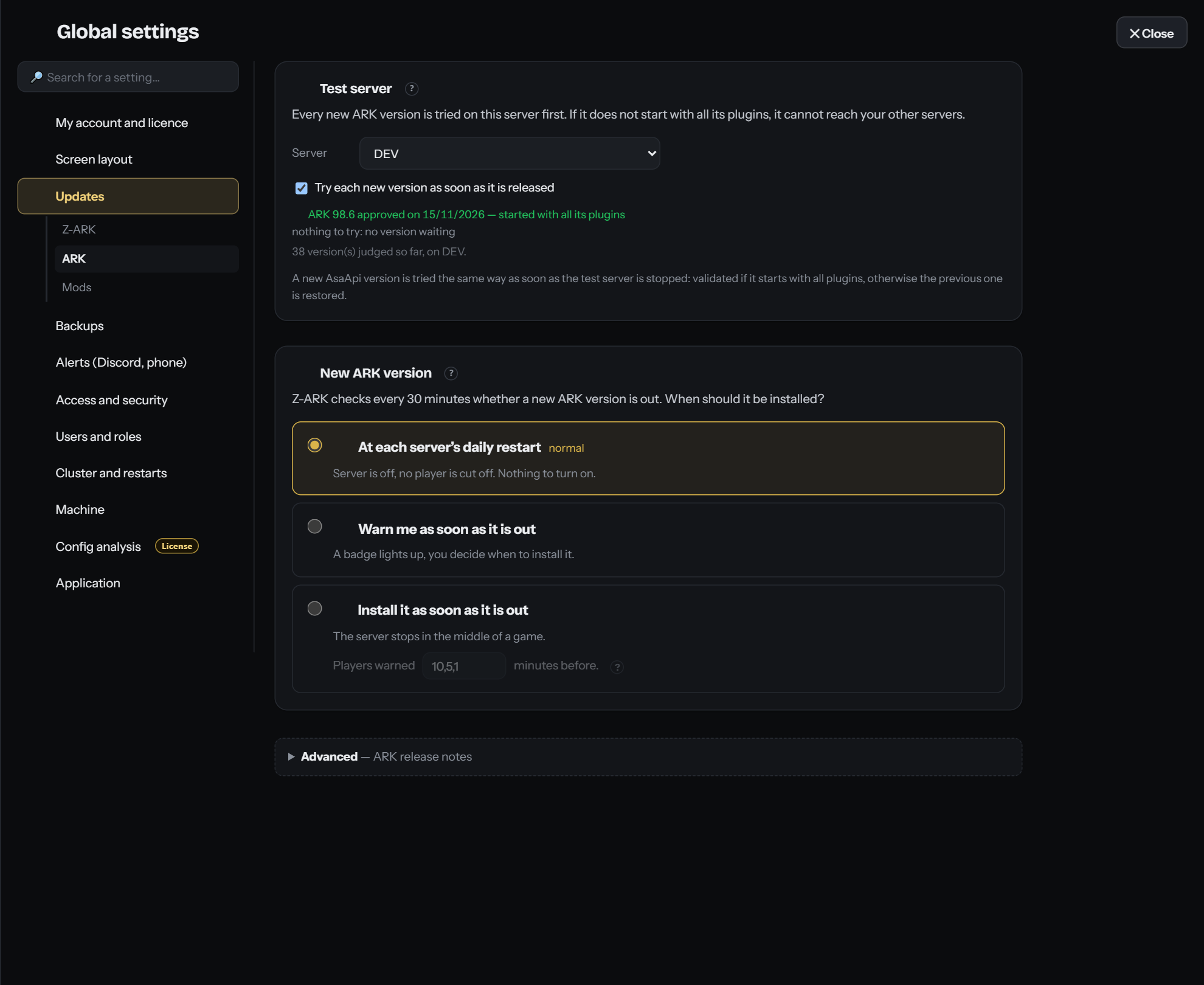
ARK updates, tried before your players
Your test server starts every new version with your plugins. Green: the fleet follows at the restart. Red: nothing moves, and you know why.
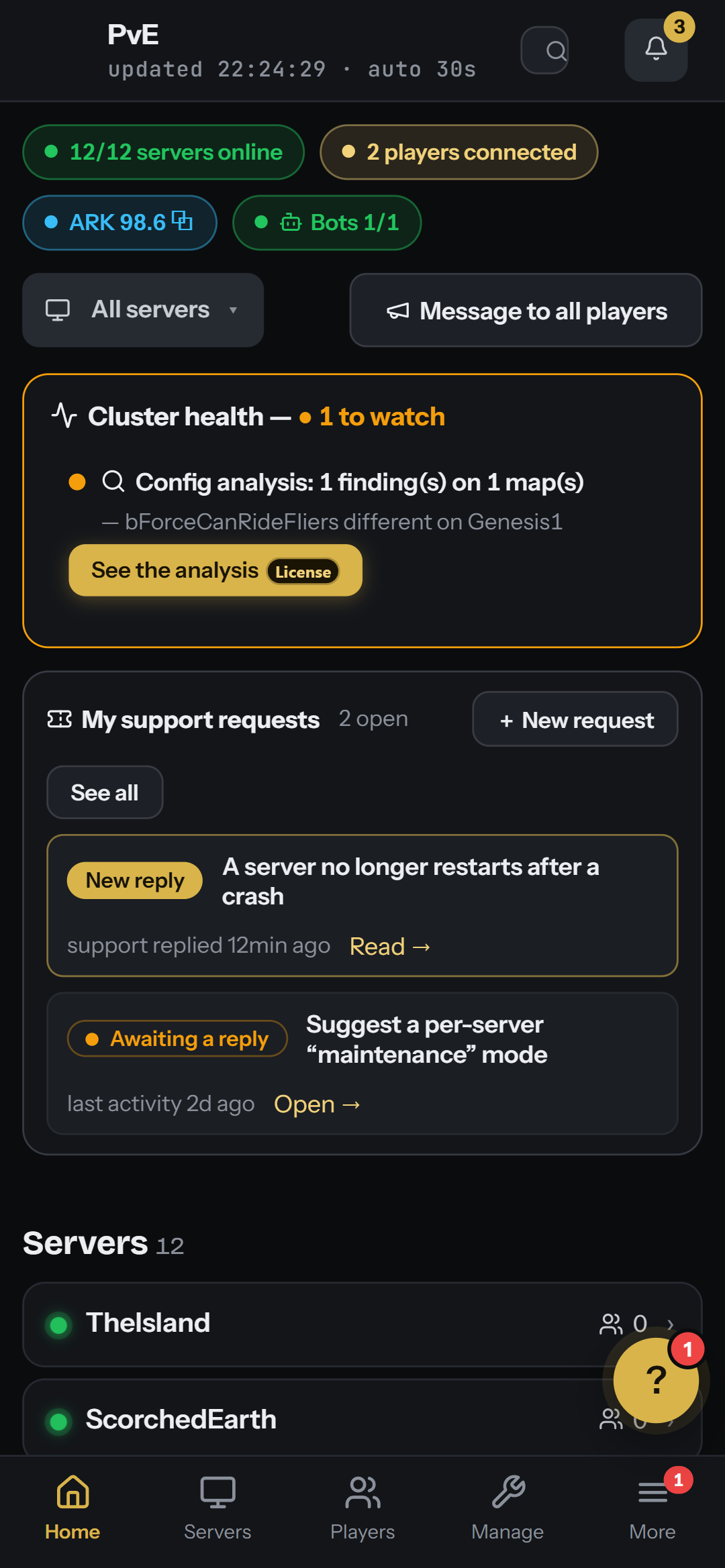
Start, update, back up, restart at night, give players back what they lost: a single dashboard, on your computer as on your phone. And when a server goes down, Z-ARK brings it back and tells you.
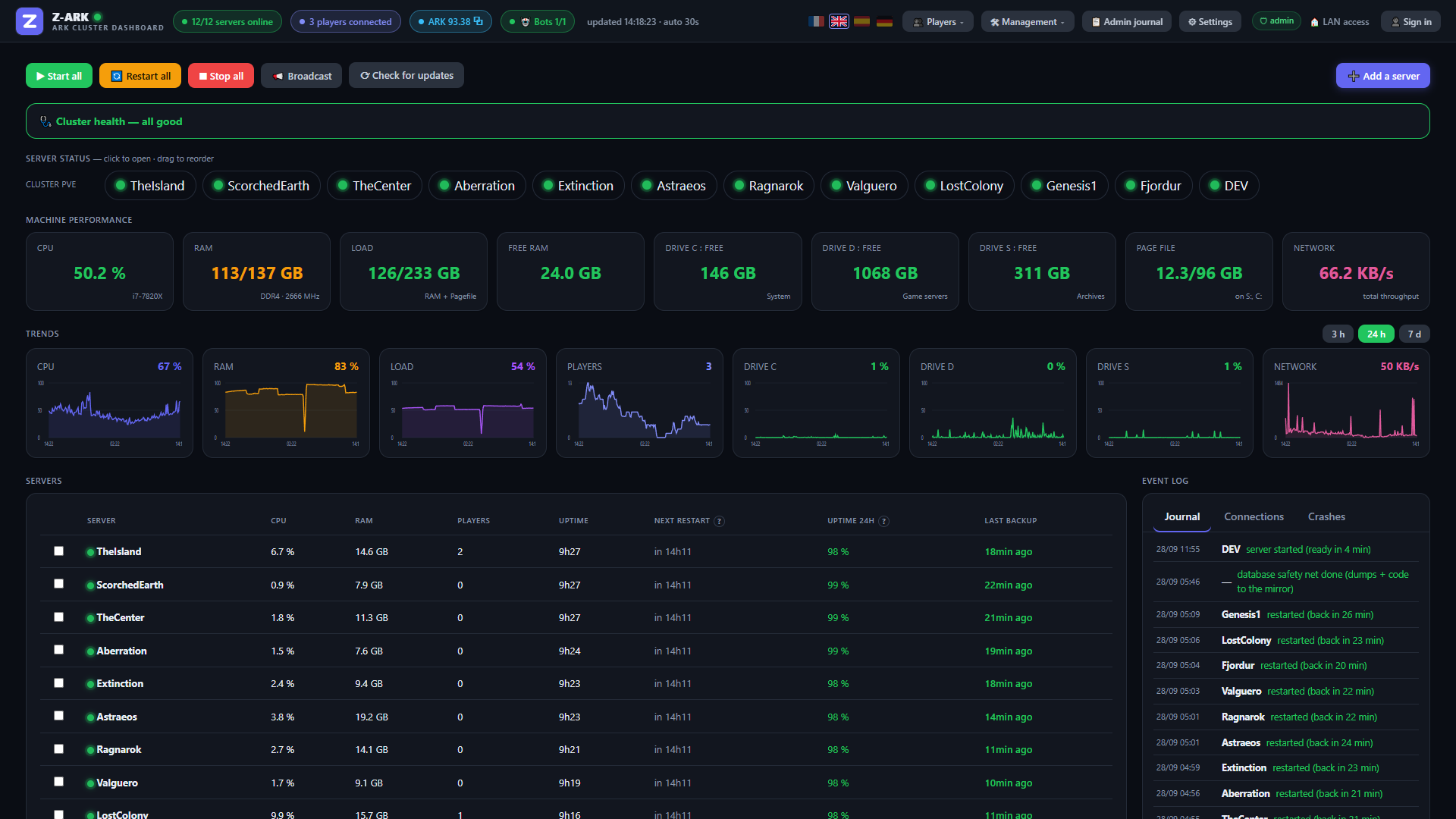
The features that matter on a real cluster, with real players. Each badge says what needs a licence: Z-ARK’s or a plugin’s.
Your test server starts every new version with your plugins. Green: the fleet follows at the restart. Red: nothing moves, and you know why.
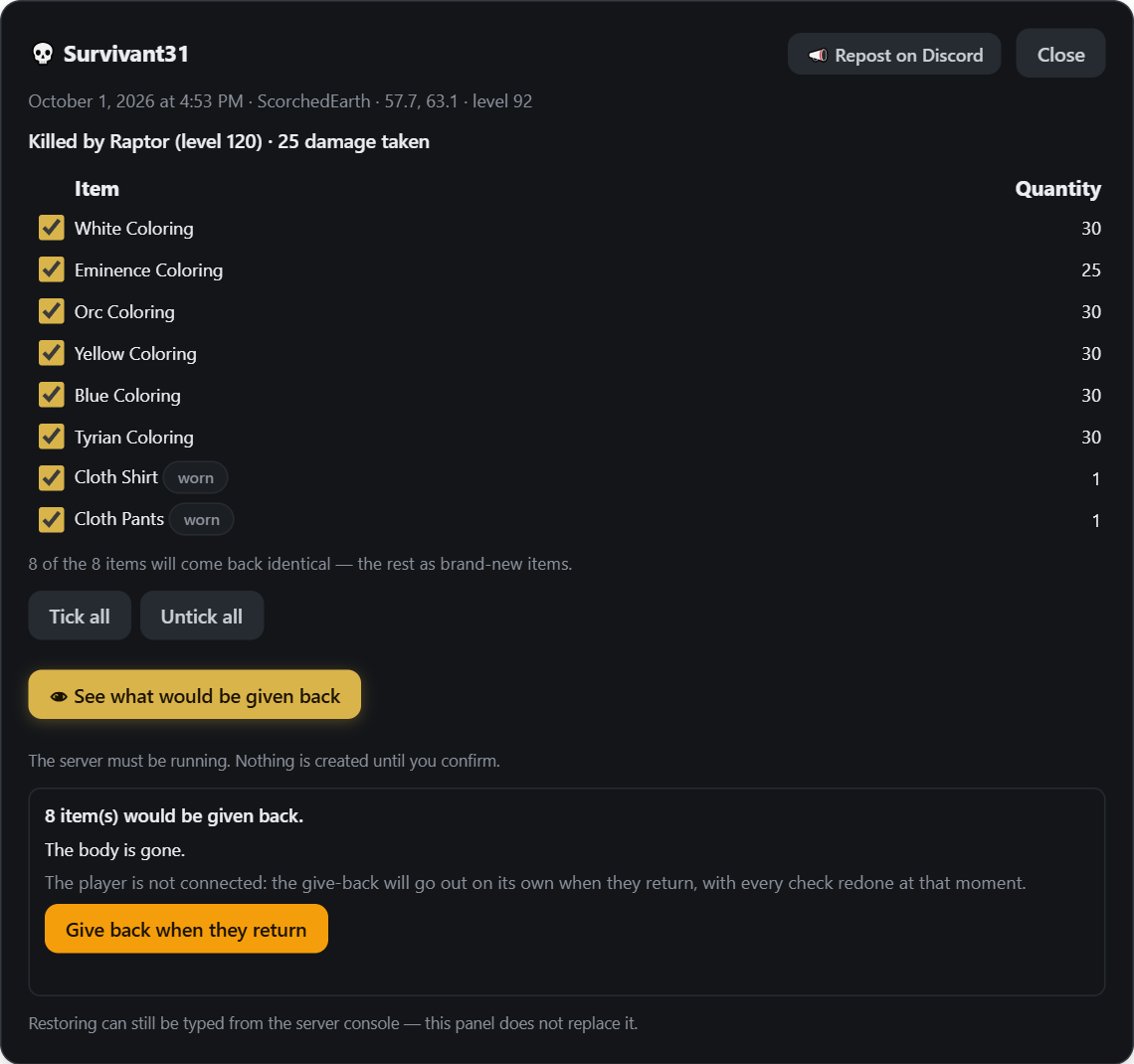
Every death is recorded, with the inventory. The return goes out when the player comes back, only once.
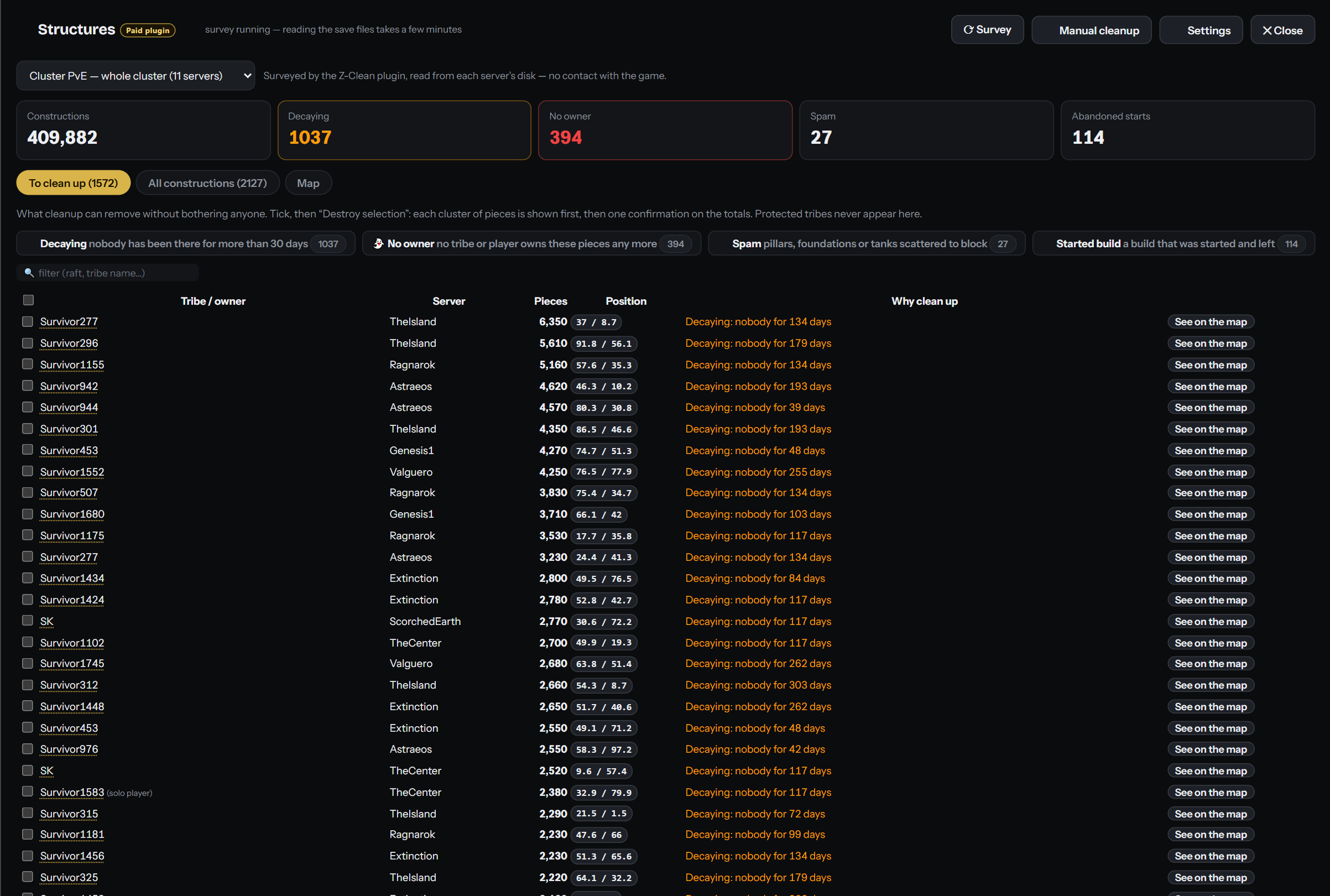
The piles shown on the map, and nothing destroyed without your say. Protected tribes are never touched.
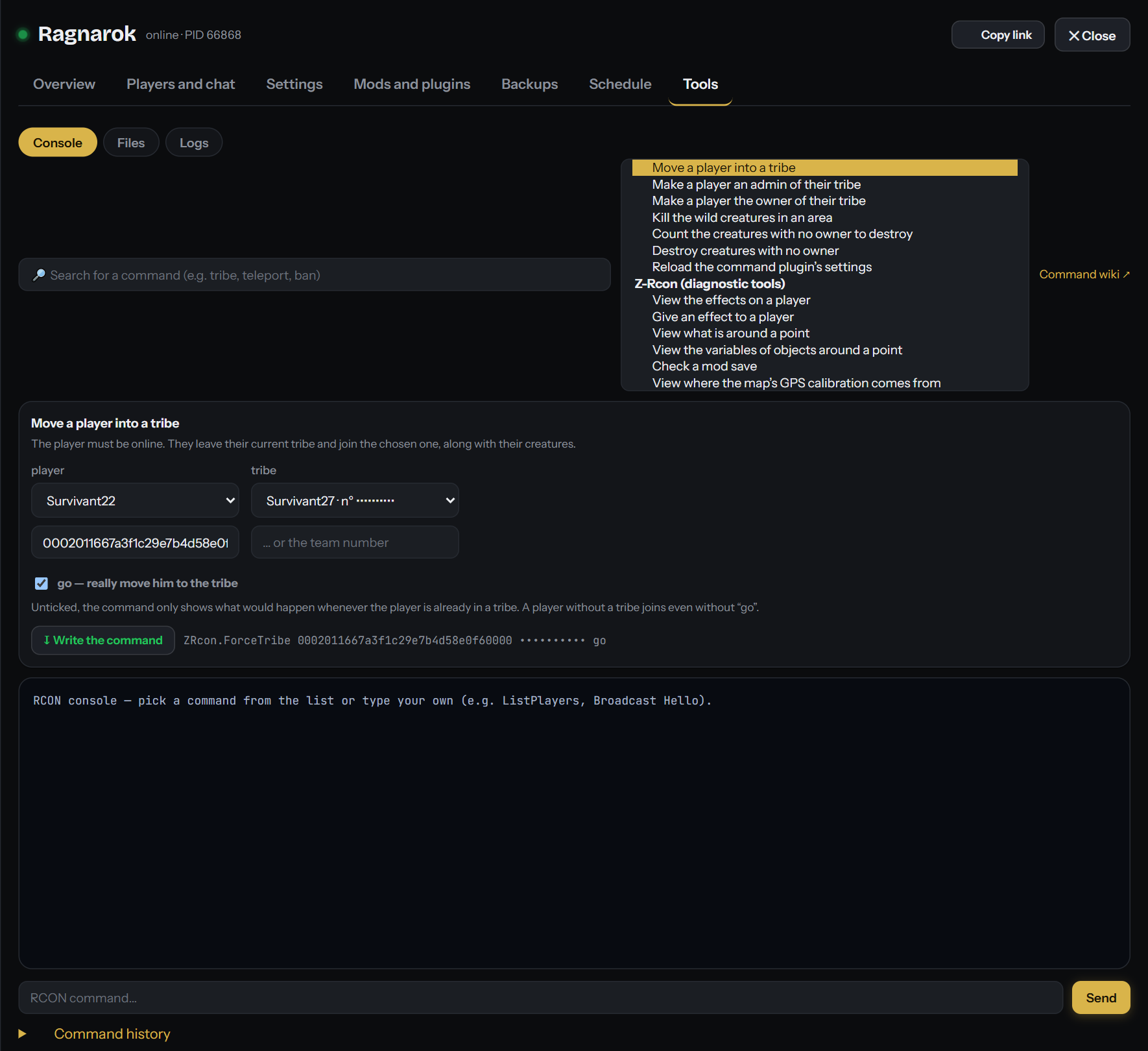
The command from a list, the player and the tribe from those on the server. Three clicks, not a line to type.
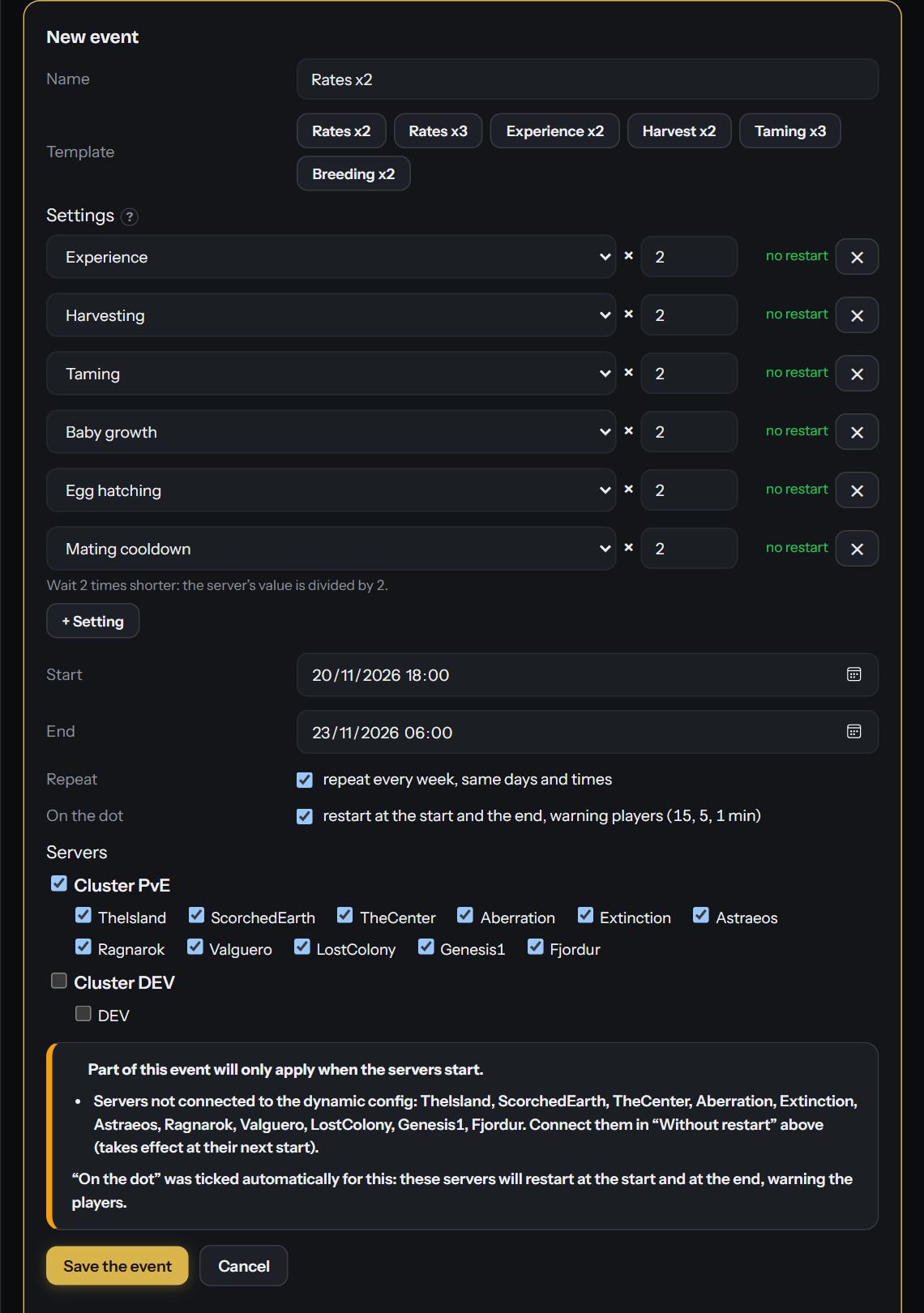
A ×2 weekend, a ×3 harvest: settings change at the set time and go back on their own. The season wipe keeps mods and plugins.
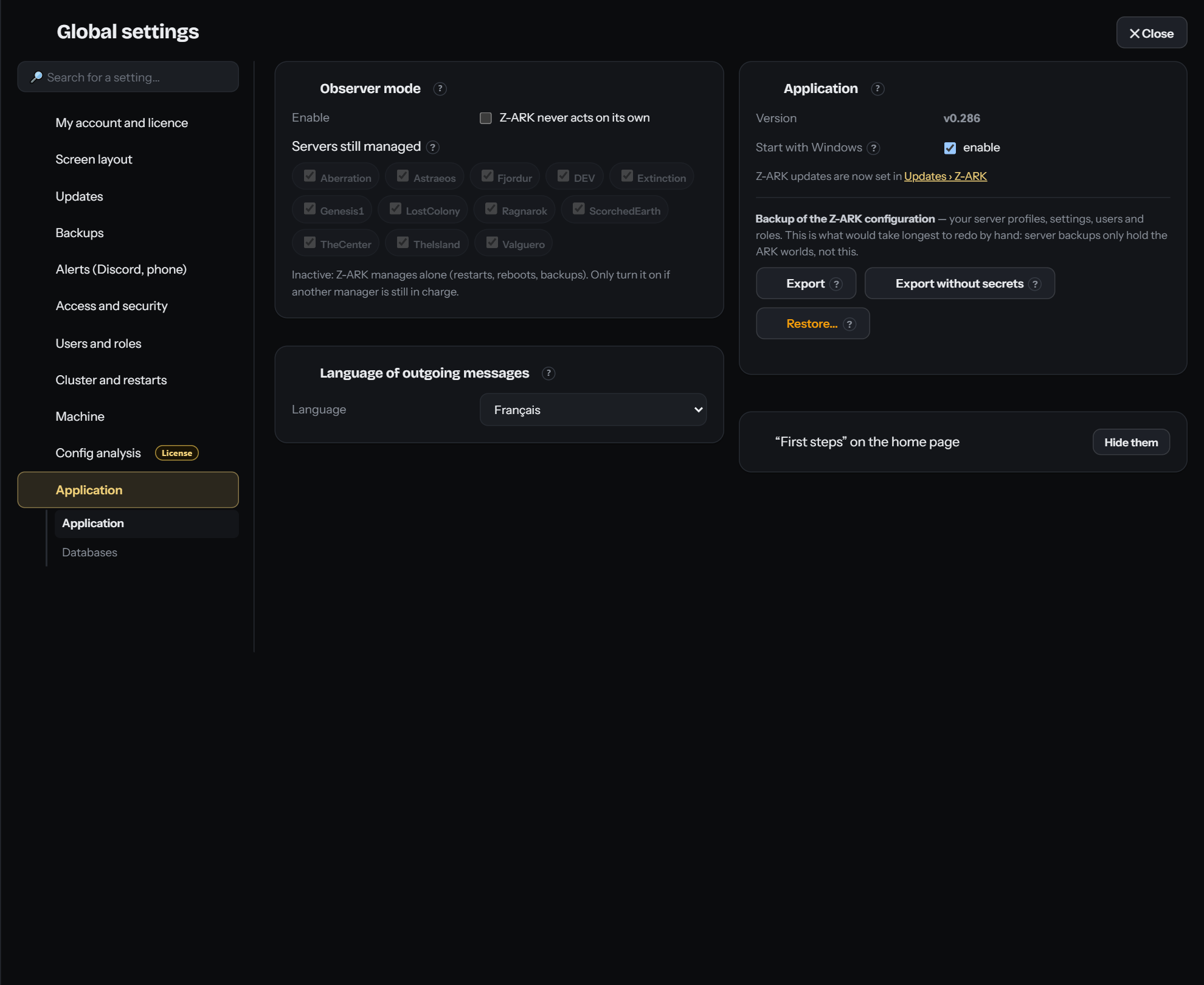
Z-ARK takes over your servers, and ASA Manager’s settings. Observer mode watches without touching, while you switch over.
Swipe to see all six →
See it all in the demoA bar at the bottom, every window full screen, the buttons under your thumb. All the features and all the rights, as on the computer.
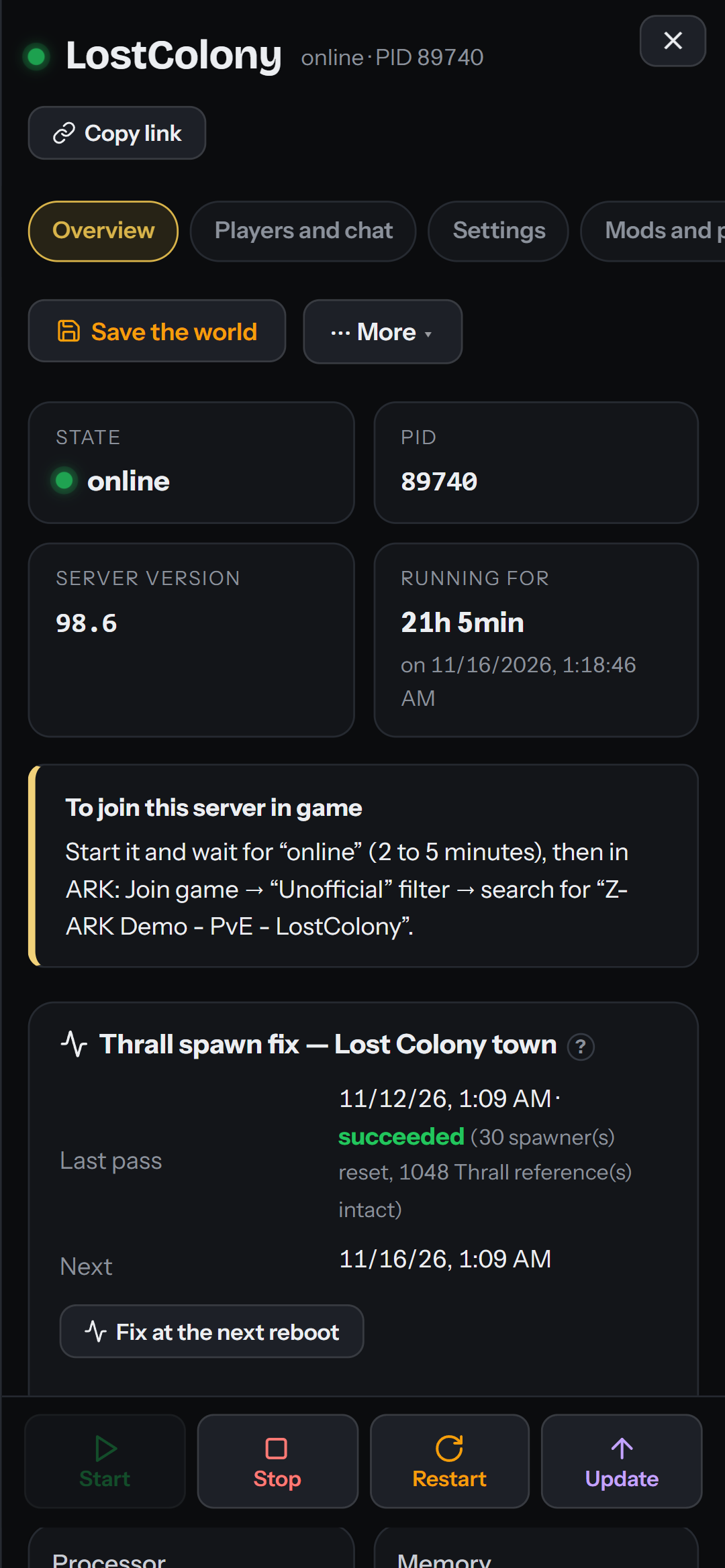
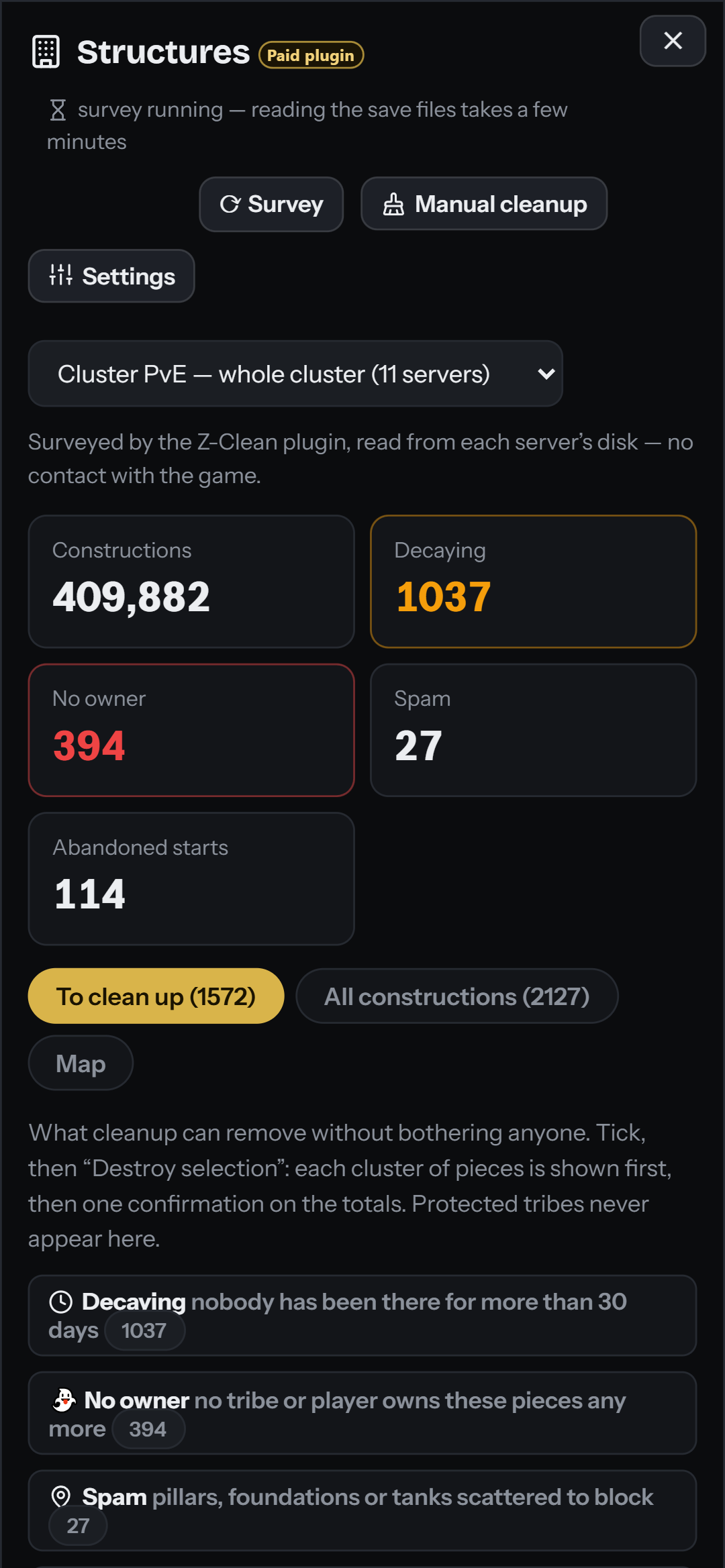
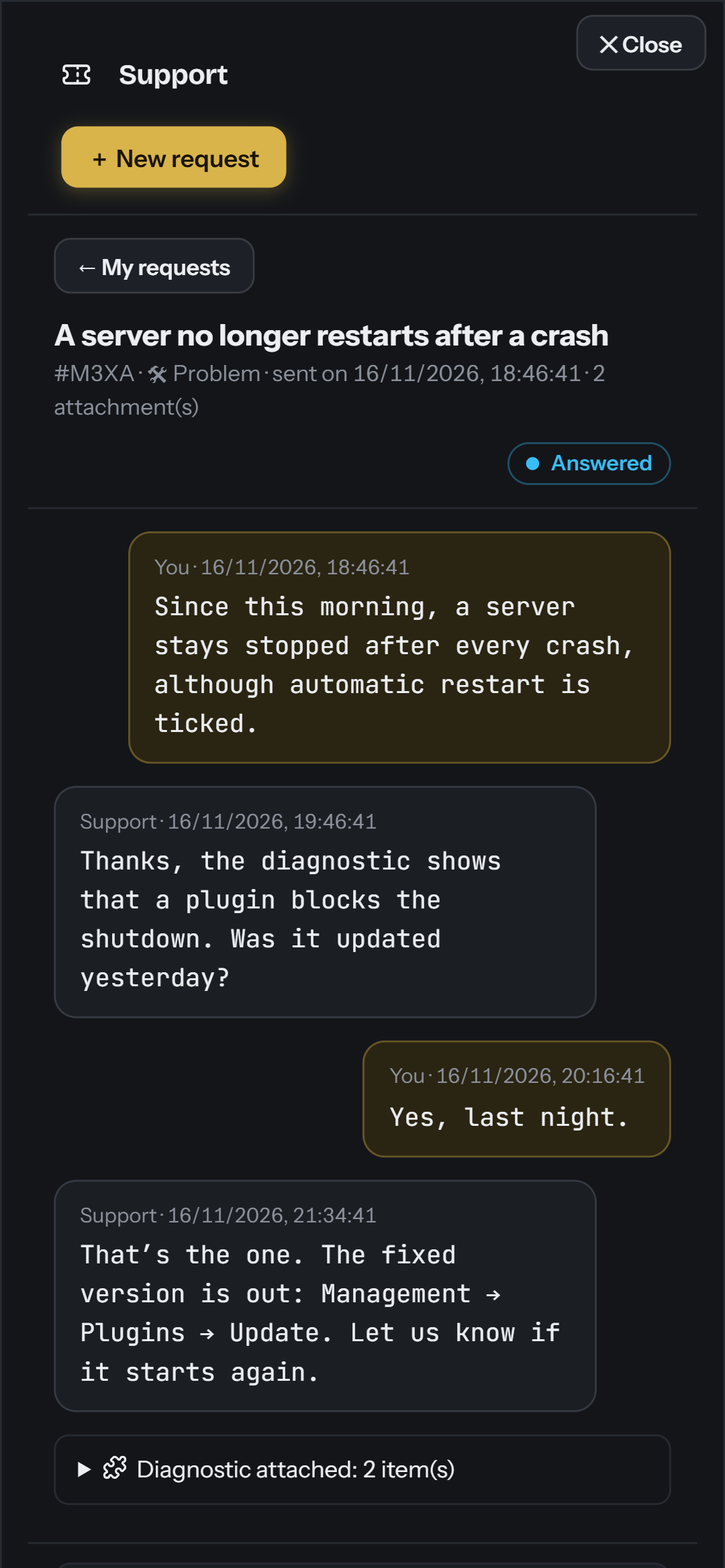
Swipe to see all four →
They install from Z-ARK, update with it and are set up in its windows. Only two need a licence.
Swipe to see them all →
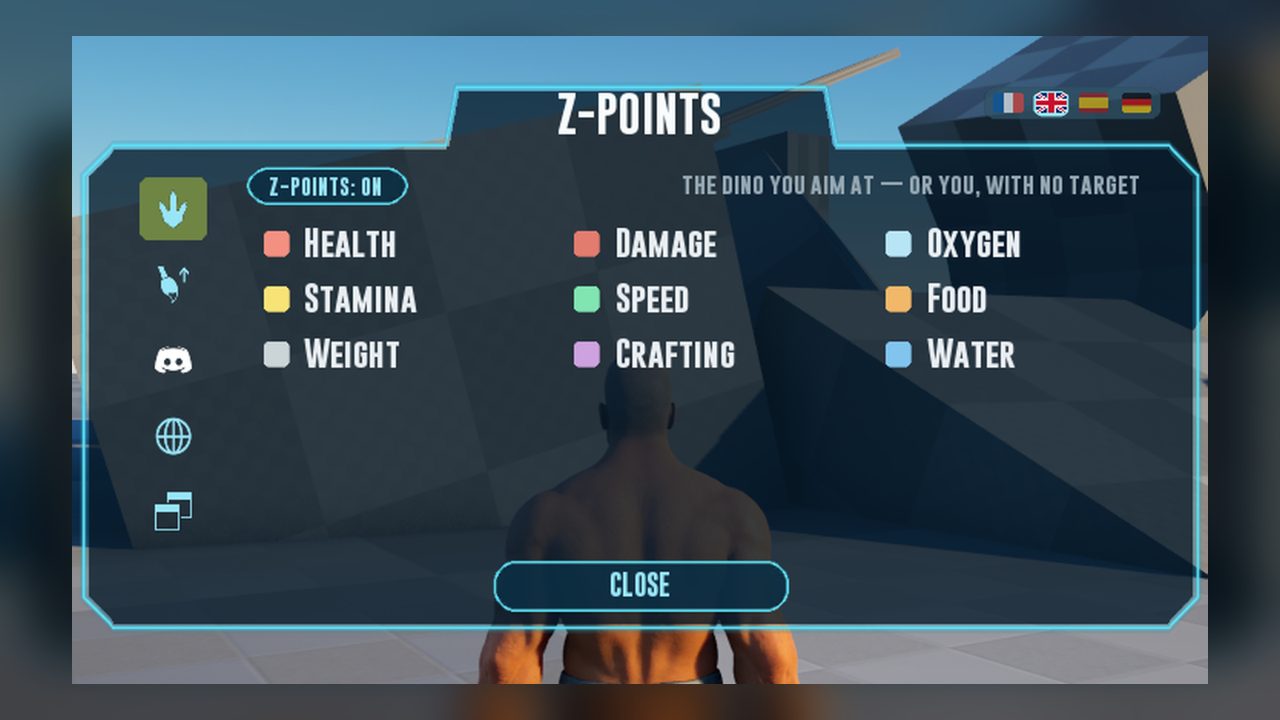
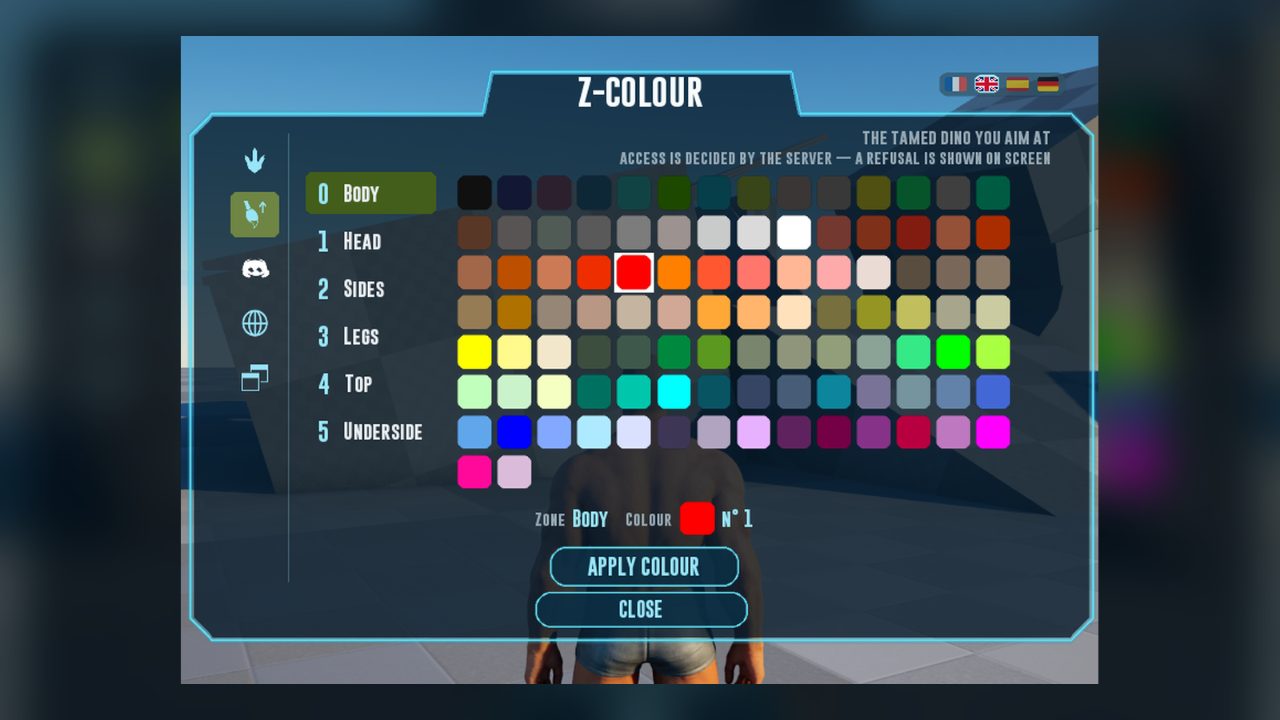
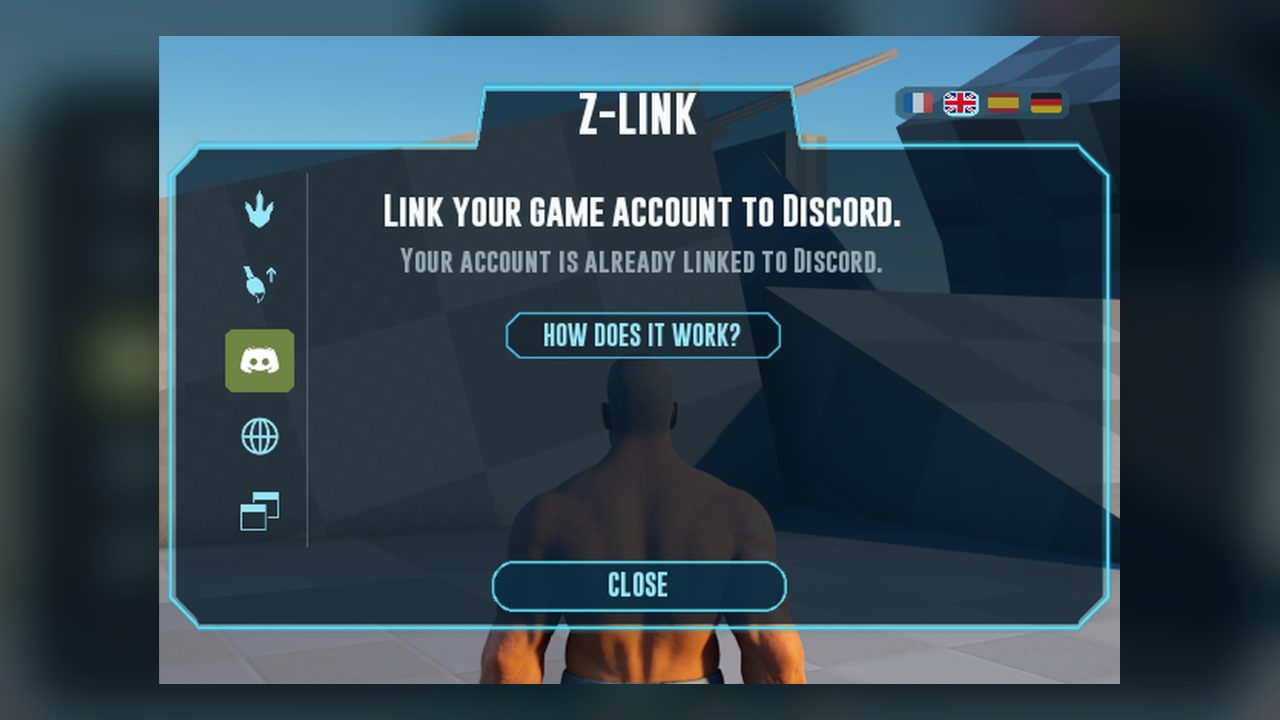
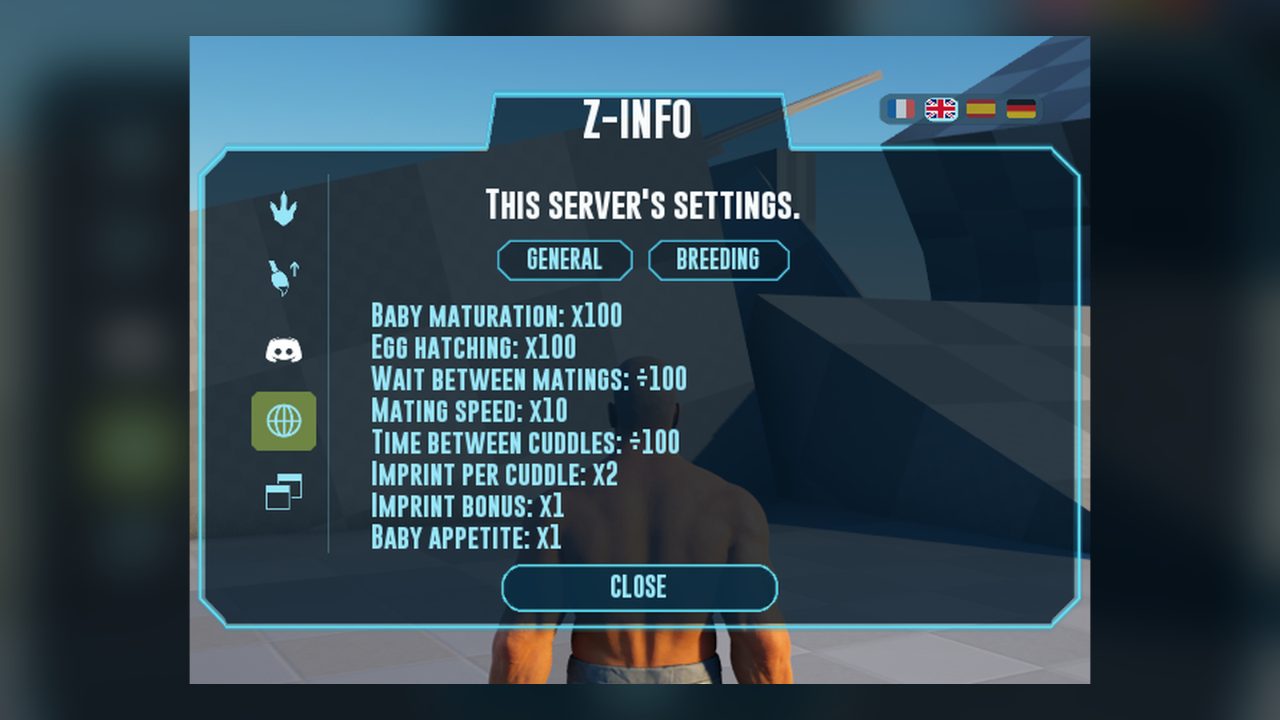
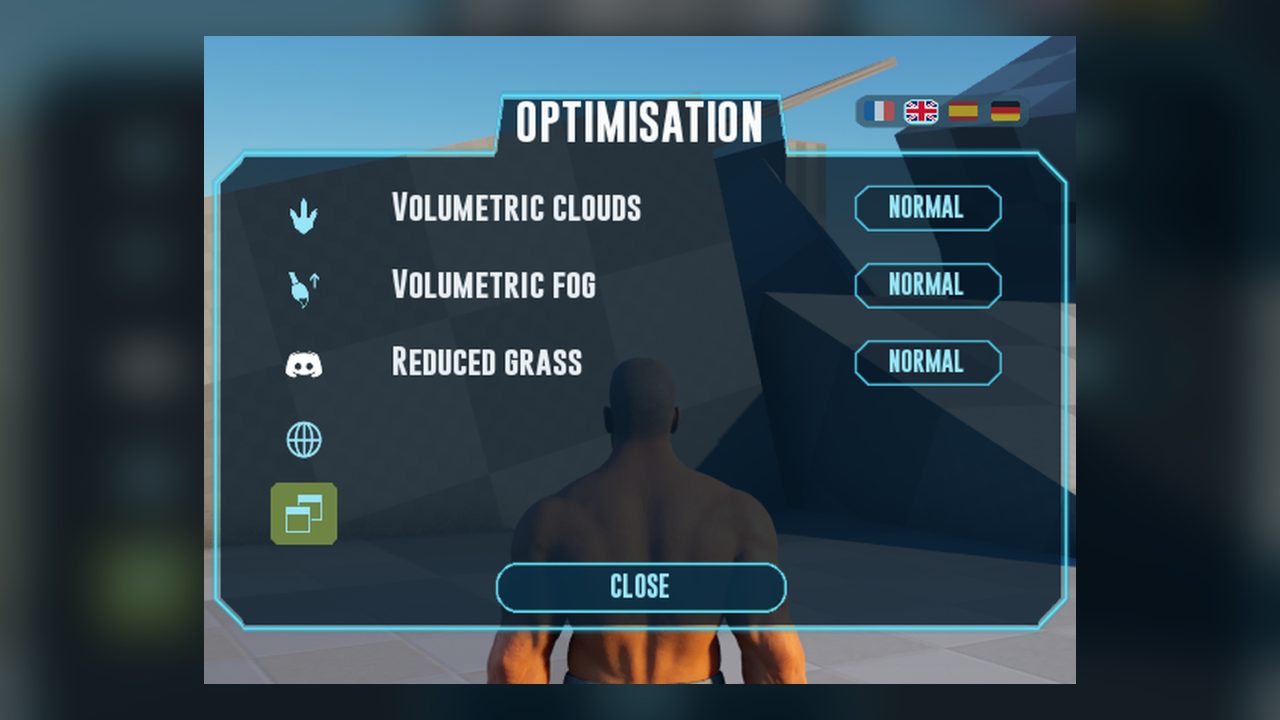
An in-game menu that turns the Z plugins’ commands into buttons: dino stat points, colours, Discord linking, server rates. It opens from the action wheel, with no typing, on PC and console.
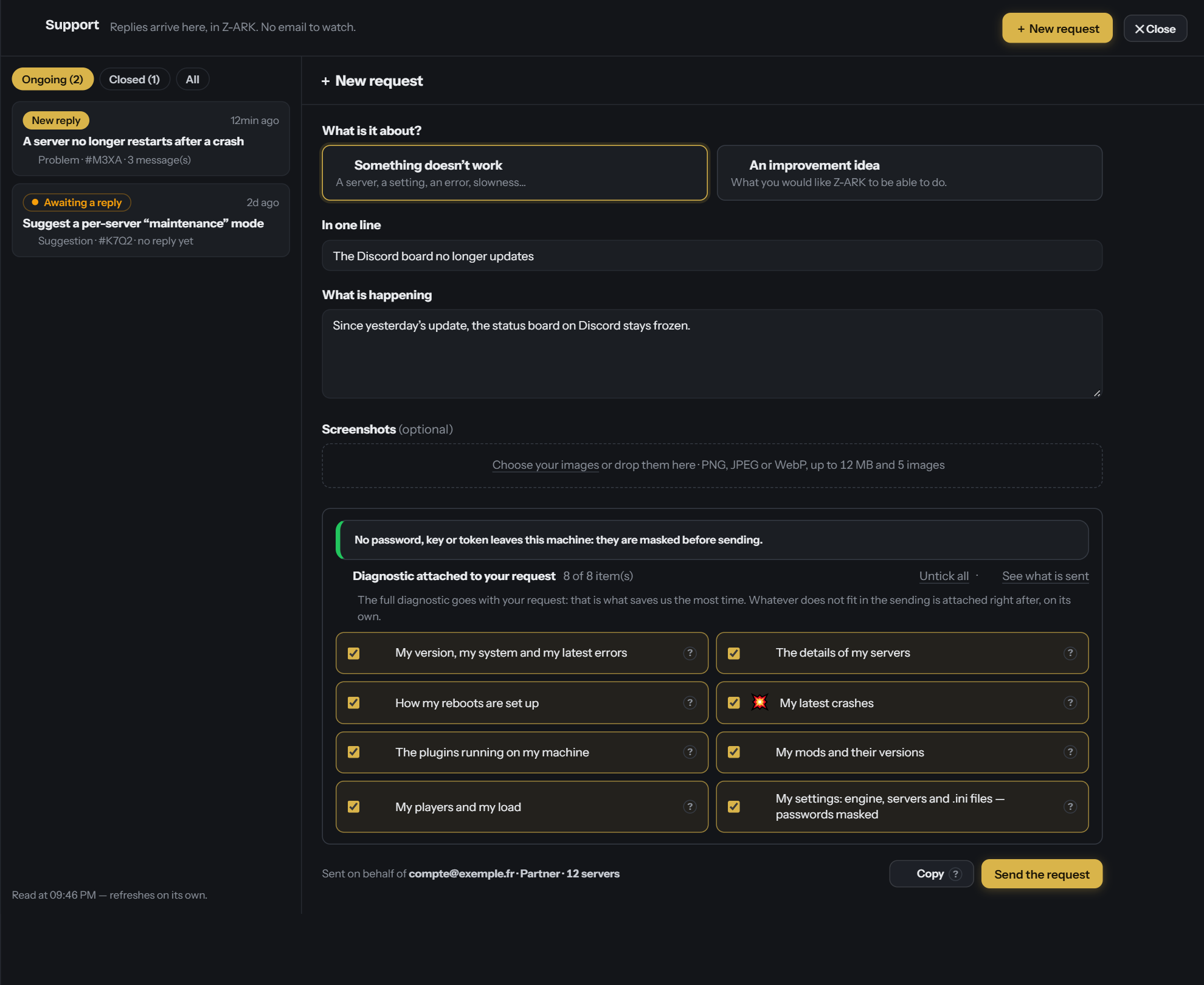
No e-mail to write, no channel to join: Z-ARK’s Support button sends your request with the diagnostics you choose (version, errors, servers, crashes, mods, plugins). Passwords and keys are masked before sending, and the answer arrives in Z-ARK, even on your phone.
No Discord server either, and that’s on purpose: all support goes through Z-ARK.
Z-ARK already installed? Its Support button is faster: it attaches your servers’ diagnostics to your request.
You are signed in: your request goes straight into your account, and the answer arrives in “My support requests”.
Windows 10, Windows 11 or Windows Server 2019 and newer, 64-bit: the machine your ARK servers run on. The dashboard opens in your browser, on your computer as on your phone.
One installation per PC. The same download (the installer) lets you install Z-ARK on as many PCs as you like. Do not copy the Z-ARK folder from one PC to another: a copy is refused on the other PC (“another machine”). Install Z-ARK on each PC. Z-ARK only manages the servers of its own PC.
As many as you like. The essentials are free, with no limit on servers or time.
No. Z-ARK and its plugins run on your server. Plugins such as Z-Points also work for players on console.
No. Z-ARK takes over your servers and ASA Manager’s settings. Observer mode watches without touching anything, while you switch over.
Only the paid features close: your servers keep running. Nothing renews on its own.
Z-ARK spots every new version and updates at the restart. With the licence, each version is first tried on your test server, with your plugins. Updates for Z-ARK, ARK and mods are gathered in a single tab.
Your backups and settings stay on your drives. Z-ARK contacts our services for the licence, sends anonymous statistics you can turn off (Settings → General → Privacy), and a diagnostic only when you attach one to a request. The details are in the privacy policy.
Through the plugin support form: a problem or an idea, no account and no Discord needed.
On the A question about Z-ARK page: no account and no Discord needed.
Z-ARK is free and stays free, with no limit on servers or time. The licence and the paid plugins are bought for 3 months or 1 year, with no commitment: nothing renews on its own.